

| Most common entry point | Reused or leaked passwords (Cybersecurity industry consensus) |
| Accounts most frequently targeted | Email, banking, and social media |
| Time to act after a suspicious alert | As soon as possible — minutes matter |
| Most effective protective measure | Two-factor authentication (2FA) (Widely documented in cybersecurity guidance) |
| Where to check for known breaches | HaveIBeenPwned.com (free public tool) |
How to Tell If Something Is Wrong
Most account compromises don't announce themselves loudly. Instead, they leave subtle clues that are easy to overlook — until the damage is done. The good news: if you know what to look for, you can catch problems early and act fast.
| Most common entry point | Reused or leaked passwords (Cybersecurity industry consensus) |
| Accounts most frequently targeted | Email, banking, and social media |
| Time to act after a suspicious alert | As soon as possible — minutes matter |
| Most effective protective measure | Two-factor authentication (2FA) (Widely documented in cybersecurity guidance) |
| Where to check for known breaches | HaveIBeenPwned.com (free public tool) |
Here are the most common warning signs that an account may no longer be fully under your control.
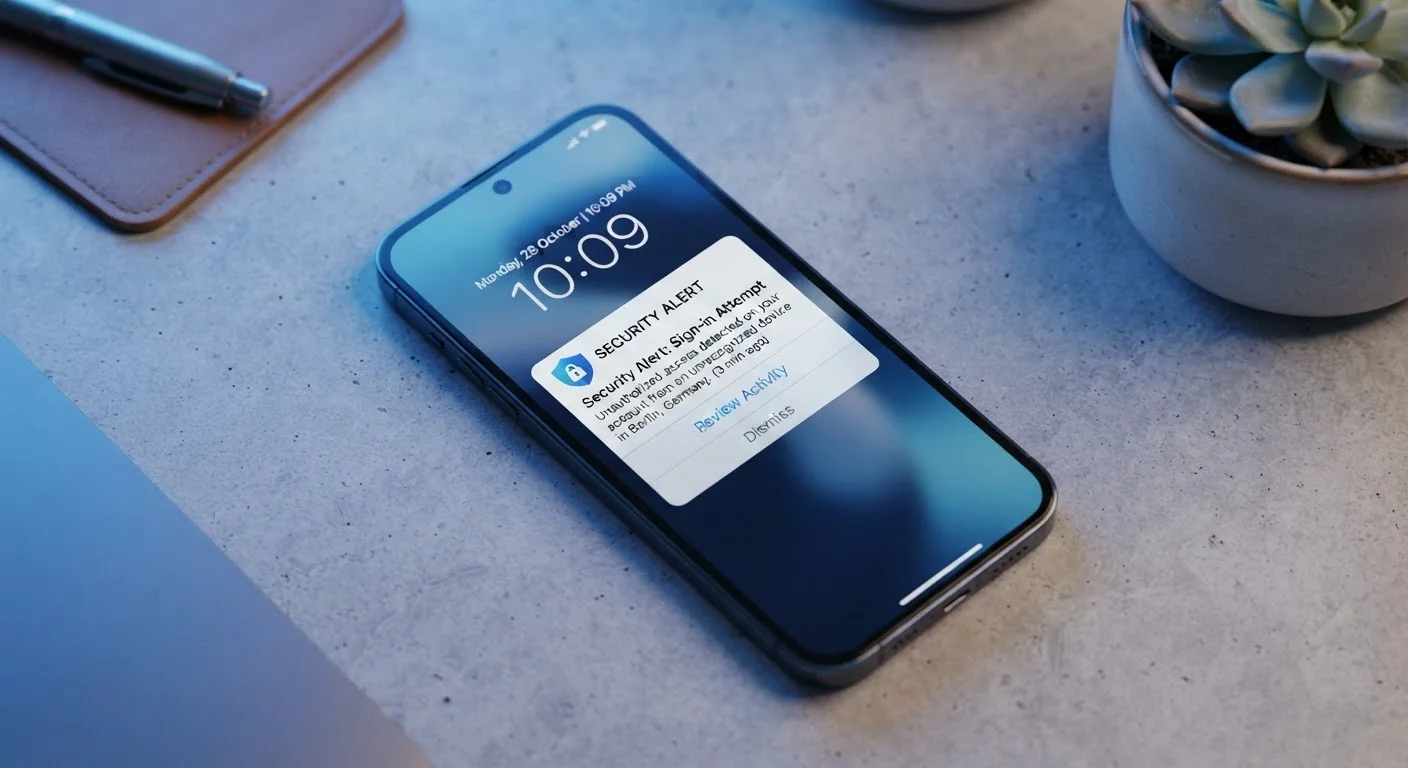
- Login alerts from unfamiliar locations or devices. If your email or an app notifies you of a sign-in from a city you've never been to, or a device you don't own, treat it as urgent.
- Emails you didn't send. Contacts reporting strange messages from your address is a classic indicator that someone else is using your account.
- Password reset emails you didn't request. An attacker testing your account will often trigger these. Even one unsolicited reset email deserves attention.
- Unfamiliar charges or transactions. For accounts tied to a payment method, unauthorized purchases are a direct red flag.
- Settings or personal details changed without your knowledge. A different recovery email, phone number, or profile photo can signal that someone is trying to take over.
- Sudden lockouts. If your password abruptly stops working, an intruder may have already changed it to shut you out.
Even one of these signs warrants immediate action. Think of them the way you'd think about warning signs in other areas of life — like the financial red flags covered in signs your debt load has become a risk: catching them early gives you more options.
What to Do If You Spot a Warning Sign
Acting quickly limits the potential harm. Here's a practical order of operations:
- Change your password immediately — use a long, unique passphrase you haven't used elsewhere. For guidance on why even strong passwords can be vulnerable, see why strong passwords still get stolen.
- Enable two-factor authentication (2FA) if you haven't already. This adds a second verification step so a stolen password alone isn't enough to get in. Learn how it works in our two-factor authentication explainer.
- Review active sessions and connected apps. Most platforms let you see all logged-in devices and third-party apps with account access. Revoke anything unfamiliar.
- Check your recovery options. Confirm your backup email address and phone number haven't been swapped out.
- Notify your contacts if you believe your email or social account was used to send spam or phishing messages.
- Report the incident to the platform. Most services have a dedicated account recovery or suspicious-activity reporting process.
Two-factor authentication (2FA)
A security method that requires two forms of verification to log in — typically your password plus a one-time code sent to your phone or generated by an app. It significantly reduces the risk of unauthorized access even if your password is compromised.
Credential stuffing
An attack where criminals use username and password combinations leaked from one data breach to try logging into other services. It's why using unique passwords on every account matters.
Phishing
A deceptive attempt — usually via email, text, or a fake website — to trick you into revealing your login credentials or personal information. Phishing is one of the most common ways accounts are compromised.
Recovery email/phone
A backup contact method linked to your account, used to verify your identity if you're locked out. Attackers often change these first to prevent you from regaining access.
Active session
An ongoing logged-in connection between your account and a device or browser. Reviewing active sessions lets you spot and remove unfamiliar access points.
Once you've stabilized the situation, a broader security review is worthwhile. Our account security audit guide walks you through a full checkup you can complete in an afternoon.
This article is for general informational purposes only. If you believe fraudulent financial activity has occurred, contact your financial institution and relevant authorities directly.