

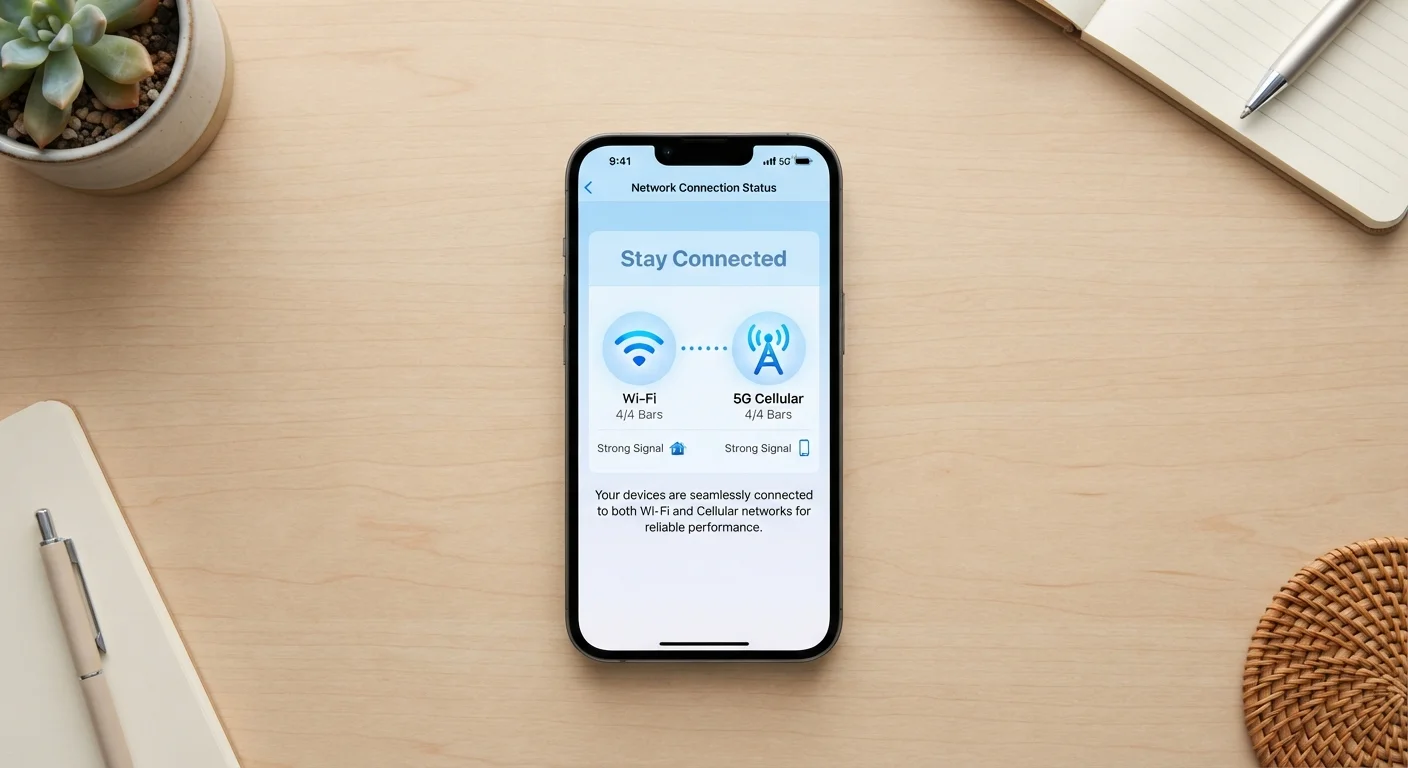
Key Takeaways
- Wi-Fi is generally faster and cheaper for high-data tasks like streaming or video calls.
- Mobile data is more reliable on the move but counts against your monthly plan allowance.
- Public Wi-Fi is convenient but carries real security risks worth understanding.
- Your phone can switch between both automatically — but you control when and how.
- Choosing the right connection at the right time can save money and protect your privacy.
Option A
Wi-Fi
The stay-at-home workhorse for fast, unlimited browsing.
Best for: Streaming, large downloads, video calls, and everyday browsing when you're near a router.
Option B
Mobile Data
The on-the-go connection that goes wherever your phone goes.
Best for: Staying connected while commuting, travelling, or anywhere a Wi-Fi network isn't available or trustworthy.
If you're at home or in the office doing heavy browsing or streaming
Wi-Fi
Wi-Fi typically offers faster speeds and doesn't eat into your mobile data allowance, making it the smart default for stationary, data-heavy use.
If you're commuting, travelling, or away from a trusted network
Mobile Data
Mobile data is more consistently secure and reliable than unfamiliar public Wi-Fi, especially for anything involving sensitive accounts or payments.
If you're using a café, airport, or hotel Wi-Fi network
Mobile Data
Public Wi-Fi networks can expose your activity to others on the same network. Switching to mobile data for logins and payments reduces that risk significantly.
If you're on a tight mobile data plan and need to download a large file
Wi-Fi
Large downloads — apps, software updates, video files — can exhaust a data plan quickly. Waiting for a Wi-Fi connection keeps you within your monthly limit.
What's Actually Happening When You Connect
When your phone connects to Wi-Fi, it's communicating wirelessly with a router — a small device in your home, office, or a public space — which is itself plugged into a broadband internet line. That router does the heavy lifting of connecting to the wider internet, and your phone just tags along wirelessly over a short range, typically up to around 100–150 feet indoors.
Mobile data works completely differently. Instead of a local router, your phone communicates directly with cell towers operated by your carrier — the same infrastructure that handles phone calls and texts. This is why mobile data works almost anywhere you have a signal bar, even in the middle of nowhere.
Understanding this distinction helps explain why each one has its strengths and weaknesses. One is tethered to a local device; the other is a nationwide (or even global) radio network. For a deeper dive into how home networks are structured, see our guide to home Wi-Fi.
| Criterion | Wi-Fi | Mobile Data |
|---|---|---|
| Typical speed | Often 50–500+ Mbps at home | Varies; 10–100 Mbps on 4G/5G |
| Data limits | Usually unlimited at home | Capped by your monthly plan |
| Availability | Only where a router is present | Wherever there's a cell signal |
| Security (public use) | Public networks carry real risks | Encrypted by default to tower |
| Battery impact | Lower drain when stationary | Higher drain, especially on weak signal |
| Cost | Flat monthly broadband fee | Deducted from data allowance |
| Setup required | Password or network login needed | Works automatically with a SIM |
When Wi-Fi Is the Clear Winner
For most people at home, Wi-Fi should be the default — and for good reason. Home broadband connections are typically much faster than even a strong 4G or 5G mobile signal, and crucially, they're not metered. You're not counting gigabytes when you're on your home network. That makes Wi-Fi ideal for:
- Streaming video or music — HD and 4K content can use several gigabytes per hour.
- Video calls — Zoom, FaceTime, and similar apps perform best with a stable, fast connection.
- App and software updates — your phone often waits for Wi-Fi automatically before downloading large updates, for exactly this reason.
- Backing up photos — cloud backup services like iCloud and Google Photos typically default to Wi-Fi only to protect your data allowance.
Wi-Fi also tends to be more power-efficient for your phone's battery when you're stationary. If you're curious how apps interact with your connection type, our piece on native apps vs web apps touches on this.
When Mobile Data Makes More Sense
Mobile data earns its place the moment you leave a trusted network. It's consistent, it follows you, and — unlike public Wi-Fi — it's encrypted between your device and the cell tower by default.
Reach for mobile data when:
- You're commuting or travelling and need a reliable connection.
- You're in a location with public Wi-Fi but you're logging into a bank, email, or any sensitive account.
- The Wi-Fi signal is weak or keeps dropping — a poor Wi-Fi connection can actually be slower and more frustrating than a solid 4G signal.
- You need a quick connection without the hassle of finding a password or accepting terms on a public network.
~60%
Mobile web traffic now on cellular
According to Statista, a majority of global mobile web traffic is delivered over cellular networks rather than Wi-Fi, reflecting how often people browse on the go.
Up to 6 GB/hr
Data used by 4K video streaming
Streaming a single hour of 4K content can consume up to 6 GB of data, making Wi-Fi the practical choice for regular high-definition viewing.
The security angle matters more than most people realise. Public Wi-Fi networks — at coffee shops, airports, hotels — can be monitored by others on the same network. For a clear rundown of what's actually at risk, read our overview of public Wi-Fi risks. If you travel frequently, it's also worth checking our travel-specific guide to public Wi-Fi security.
Practical Tips for Managing Both
Most smartphones handle the switching automatically — they'll connect to a saved Wi-Fi network when one's in range and fall back to mobile data when it isn't. But a few manual habits can help you get more from both:
- Set data-heavy apps to Wi-Fi only. Most streaming and cloud backup apps let you restrict large transfers to Wi-Fi in their settings.
- Forget networks you don't trust. Your phone will reconnect to any saved network automatically. If you used a hotel or airport Wi-Fi once, remove it so your phone doesn't join it silently next time you're nearby.
- Check your data usage monthly. Both iPhone and Android have built-in screens showing which apps are using the most mobile data, helping you spot anything surprising.
- Use your phone as a hotspot sparingly. Sharing your mobile data with a laptop via a personal hotspot is useful in a pinch, but it draws down your data plan quickly.
For everything about keeping your home network running well — from router placement to password security — our Internet & Apps hub has plain-language guides covering the full picture.
5G Changes the Speed Equation
In areas with strong 5G coverage, mobile data speeds can rival or even exceed many home broadband connections. However, 5G availability varies widely by location and carrier, and high speeds still count against your data allowance. For most people outside major cities, home Wi-Fi remains the faster and more cost-effective option for heavy use.