

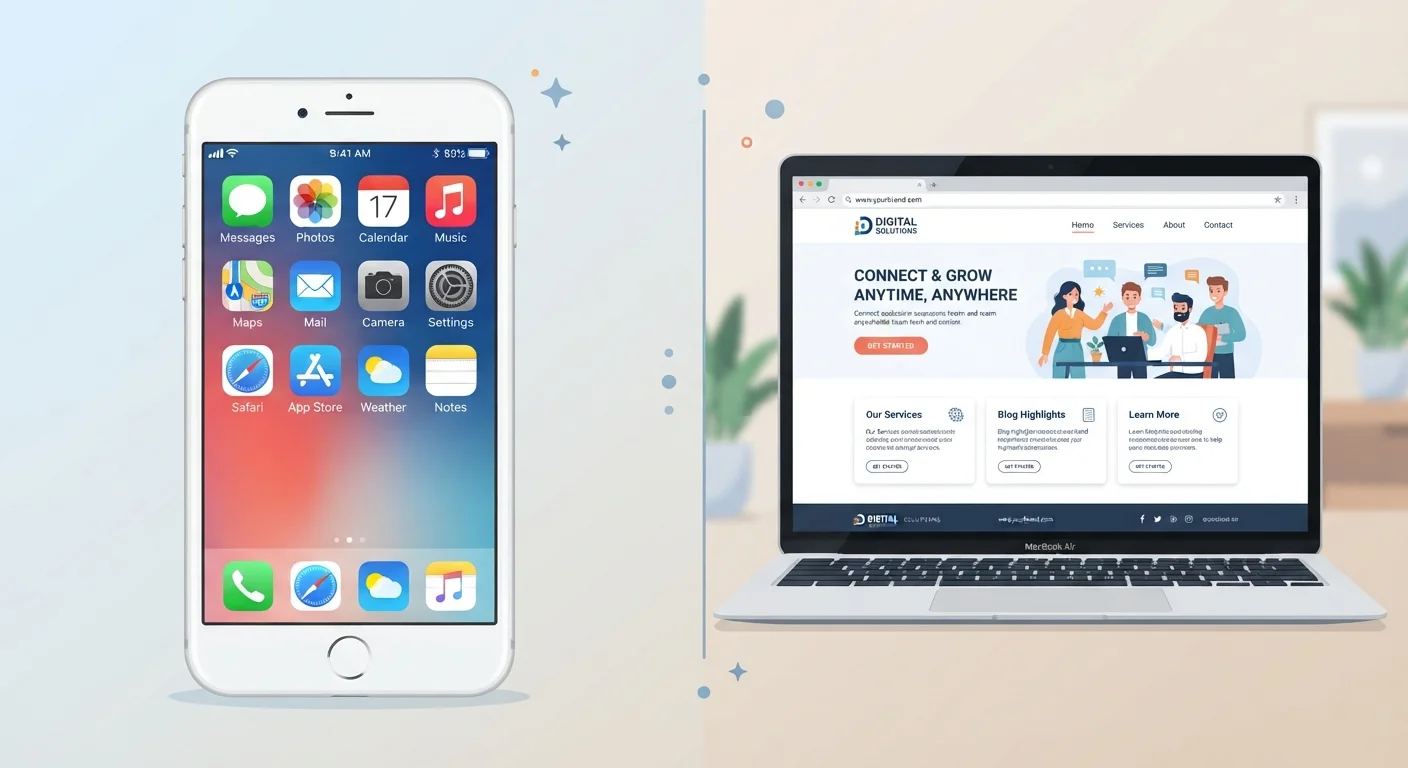
Key Takeaways
- Native apps are installed on your device and can access hardware like your camera, GPS, and contacts.
- Web apps run inside a browser and require no installation, but need an internet connection to function fully.
- Native apps generally offer faster performance and offline use; web apps are more universally accessible.
- Native apps request more permissions, which can raise privacy considerations worth understanding.
- Neither type is inherently safer — both can collect your data, just through different channels.
Option A
Native App
The installed, device-integrated experience.
Best for: Users who want fast performance, offline access, and deep integration with their phone's hardware.
Option B
Web App
The browser-based, no-download alternative.
Best for: Users who want instant access across devices without giving up storage space or granting device permissions.
If you use an app daily and need it to work offline
Native App
Native apps store data on your device and don't rely on a constant connection, making them more reliable for frequent, intensive use.
If you want to try a service without committing storage space
Web App
Web apps require no download and work in any browser, letting you explore a tool before deciding whether it's worth installing.
If privacy and permission control matter most to you
Web App
Browser-based tools typically request fewer device permissions, though you should still review what data a site collects through cookies and tracking.
If you need features tied to your phone's hardware
Native App
Functions like push notifications, GPS navigation, or camera integration work far more reliably through a native app than a browser.
What Makes an App "Native"?
A native app is software you download and install directly onto your device — from the Apple App Store or Google Play Store, for example. It's built specifically for one operating system, which is why the Instagram you install on an iPhone is a different piece of software than the Android version, even though they look nearly identical.
Because native apps are woven into your device's operating system, they can tap into hardware features your browser simply cannot: your microphone, GPS, camera, step counter, and even your contact list. They can also send push notifications — those alerts that appear on your lock screen — and often work without any internet connection at all.
That hardware access comes with a trade-off. When you install a native app, it will ask for permissions: access to your location, your photos, your contacts. These requests are worth reading carefully. Our guide on why apps ask for so many permissions explains what each type of request actually means and when it's reasonable to say no.
What Is a Web App, Exactly?
A web app is a tool or service you access through your browser — Chrome, Safari, Firefox, or Edge — by visiting a website address. Google Docs, your bank's online portal, and many productivity dashboards are all web apps. You don't download anything; the software runs on a remote server and delivers its interface to your browser in real time.
Web apps are platform-agnostic, meaning the same tool works whether you're on a Windows laptop, a Mac, or an Android phone. Updates happen automatically on the server side, so you're always using the latest version without doing anything yourself.
The main limitation is connectivity: most web apps require a live internet connection to function. They also can't tap into your device's hardware the way native apps can — a browser-based video editor, for instance, can't access your microphone as seamlessly as a dedicated native application. To understand how your browser actually connects to and loads these tools, see what happens when you type a web address.
| Criterion | Native App | Web App |
|---|---|---|
| Installation required | Yes — downloaded from app store | No — opens in browser |
| Works offline | Often yes | Rarely |
| Performance | Generally faster | Depends on connection speed |
| Device storage used | Yes — can be significant | Minimal browser cache only |
| Hardware access (camera, GPS) | Full access with permissions | Limited browser-level access |
| Push notifications | Yes | Limited (some browsers support it) |
| Updates | Manual or auto via app store | Automatic on server side |
| Works across all devices | Requires separate versions | Yes — any browser, any device |
| Permission requests | Extensive (varies by app) | Minimal (browser-level) |
Performance and Storage: The Practical Gap
Speed is where native apps typically have an edge. Because the core code lives on your device, native apps load faster and respond more smoothly — especially for graphics-heavy tasks like gaming or video editing. Web apps depend on your internet speed and the server's responsiveness, which introduces variability.
Storage is the flip side. Every native app you install occupies space on your device. A handful of apps can quietly consume gigabytes. Web apps consume no local storage beyond a small cache your browser holds temporarily.
~230
Average apps installed on a US smartphone
Research from app analytics firms suggests most users actively use far fewer than the number they have installed, contributing to hidden storage drain.
~50%
Mobile web traffic share globally
According to Statista and similar web analytics sources, roughly half of all internet browsing happens via mobile browsers rather than native apps.
Data usage is also worth considering. Native apps often pre-load content over Wi-Fi, which can be efficient. But some apps run background processes that consume mobile data even when you're not actively using them. For a deeper look at how your connection type affects this, see when Wi-Fi versus mobile data actually makes sense.
Privacy: How Each Type Handles Your Data
Both native apps and web apps collect data — the mechanisms just differ. Native apps can gather information about your location, usage patterns, device identifiers, and more, depending on the permissions you grant. For a full picture of what that looks like in practice, what apps actually know about you is a useful starting point.
Web apps track you primarily through browser-based tools: cookies, tracking pixels, and sometimes fingerprinting. These are largely invisible unless you know where to look. Our explainer on how cookies and website tracking actually work covers this clearly.
Progressive Web Apps: A Hybrid Option
Some services offer a middle path called a Progressive Web App (PWA). These are web apps built with technologies that let them behave more like native apps — they can be added to your home screen, work partially offline, and send some notifications. You may have seen a prompt saying "Add to Home Screen" when visiting certain sites. PWAs don't appear in app stores and still run through your browser engine, but they close some of the gap between the two categories.
One important distinction: native apps must comply with the App Store or Play Store's rules, which include some baseline privacy disclosures. Web apps are governed primarily by their own privacy policies, which vary widely. Before clicking "agree" on either type, it's worth knowing what app terms of service are actually telling you.