

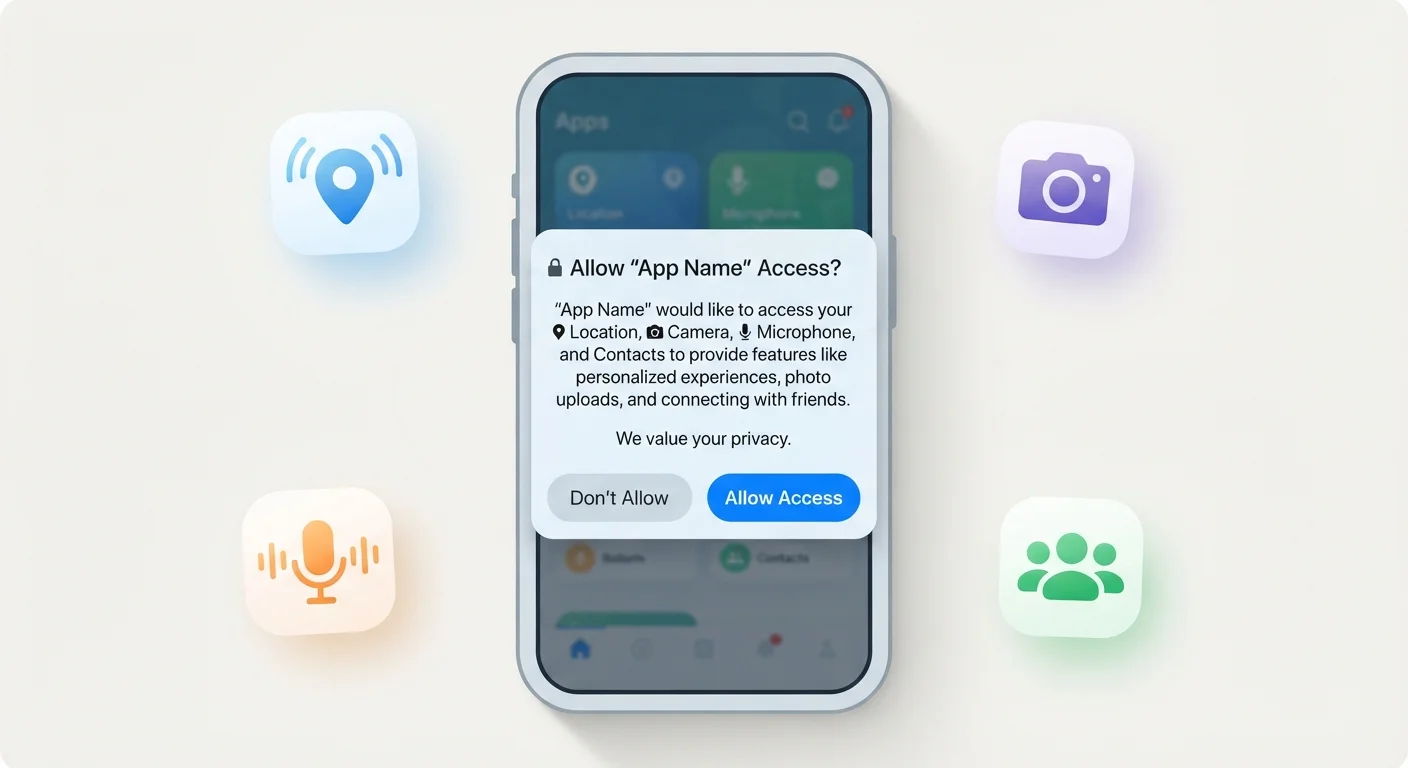
Key Takeaways
- Apps request permissions because they need device features to function — but not every request is strictly necessary.
- Some permissions carry higher privacy risks than others; location, contacts, and microphone access deserve extra scrutiny.
- Both Android and iOS let you review and revoke permissions at any time in your phone's Settings.
- A mismatch between an app's purpose and the permissions it requests is a red flag worth acting on.
- Denying a permission rarely breaks an app entirely — it usually just limits one optional feature.
App Permissions
App permissions are requests an application makes to access specific features or data on your device — such as your camera, location, contacts, or microphone. When you install or first open an app, your phone asks whether you want to grant that access. Granting a permission gives the app the ability to use that resource; denying it blocks that access.
On both Android and iOS, permissions are governed by the operating system's permission framework, which acts as a gatekeeper between apps and sensitive device functions. Apps cannot access these resources without an explicit user grant.
Why Apps Need Permissions in the First Place
Your smartphone is a powerful device loaded with sensors, storage, and communication tools. Apps are designed to tap into those resources — but for your protection, the operating system requires them to ask first. This system exists so that no app can silently access your camera or read your messages without your knowledge.
Legitimate permission requests usually have a clear purpose. A ride-sharing app needs your location to find you. A video calling app needs your camera and microphone. A contact-sharing app needs your address book. When the connection between the app's job and the permission it wants is obvious, granting access is generally reasonable.
Understanding this context is helpful whether you use a downloaded app or a browser-based tool — as explained in our guide to native vs. web apps, the type of app affects what data it can reach.
45%
Users who never review app permissions after install
A Pew Research Center survey found that roughly 45% of smartphone users say they rarely or never check app permissions after initially granting them.
2 in 3
Apps that request more permissions than needed
Research published in privacy and mobile security literature consistently finds the majority of popular apps request data beyond their core functionality.
Permissions That Deserve a Closer Look
Not all permissions carry equal weight. Some grant access to genuinely sensitive data or hardware. These are the ones worth pausing on:
- Location: Reveals where you are and, over time, where you live, work, and travel. Prefer 'While Using the App' over 'Always Allow.'
- Contacts: Hands over names, phone numbers, and email addresses of everyone in your address book — people who haven't consented to share their information.
- Microphone: Enables the app to hear audio. Necessary for voice calls and recording apps, but unusual for most others.
- Camera: Allows photo and video capture. Legitimate for camera apps, video chat, and document scanners.
- Storage / Photos: Grants the ability to read or write files on your device. Useful for photo editors, but not most utility apps.
For a fuller picture of what apps can do with this data once they have it, see what apps actually know about you.
Use 'While Using the App' for Location
When an app asks for location access, selecting 'While Using the App' is almost always the right choice over 'Always Allow.' This prevents the app from tracking your movements in the background when you're not actively using it. You can change this setting later in your phone's app permissions panel if a specific feature genuinely requires it.
How to Spot a Suspicious Permission Request
The clearest warning sign is a mismatch: the permission requested doesn't connect logically to what the app does. A calculator asking for your contacts, a wallpaper app requesting microphone access, or a simple game wanting your precise location are all examples worth questioning.
Other red flags include apps that demand permissions before showing any content, refuse to function at all when a permission is denied, or ask for a large cluster of unrelated permissions at once. Reputable apps typically explain why they need access — often with a brief note in the permission prompt itself.
If you're unsure about a specific app's data practices, its privacy policy and app store listing often disclose which data categories are collected. Our article on reading app terms of service walks through what those documents typically contain.
Managing Permissions You've Already Granted
Granting a permission isn't permanent. Both Android and iOS allow you to review and adjust every permission you've given to every app — without uninstalling anything. It's worth doing a periodic check, especially for apps you installed long ago or rarely use.
Open your phone's Settings, navigate to either the app list or a dedicated Privacy/Permissions section, and you'll find a breakdown of what each app can access. Revoke anything that now seems unnecessary. You can also approach it by permission type — for example, seeing every app that has location access — and trimming from there.
Building this habit fits into broader digital hygiene. For practical steps beyond permissions, keeping personal information safer while using everyday apps covers habits that reduce the data trail you leave behind daily.
Permissions Reset After App Updates
Major app updates occasionally reset or re-request permissions, especially if new features are being introduced. If you notice a familiar app suddenly asking for access again, check whether the requested permission aligns with any new features mentioned in the update notes. It's still your choice whether to grant it.