

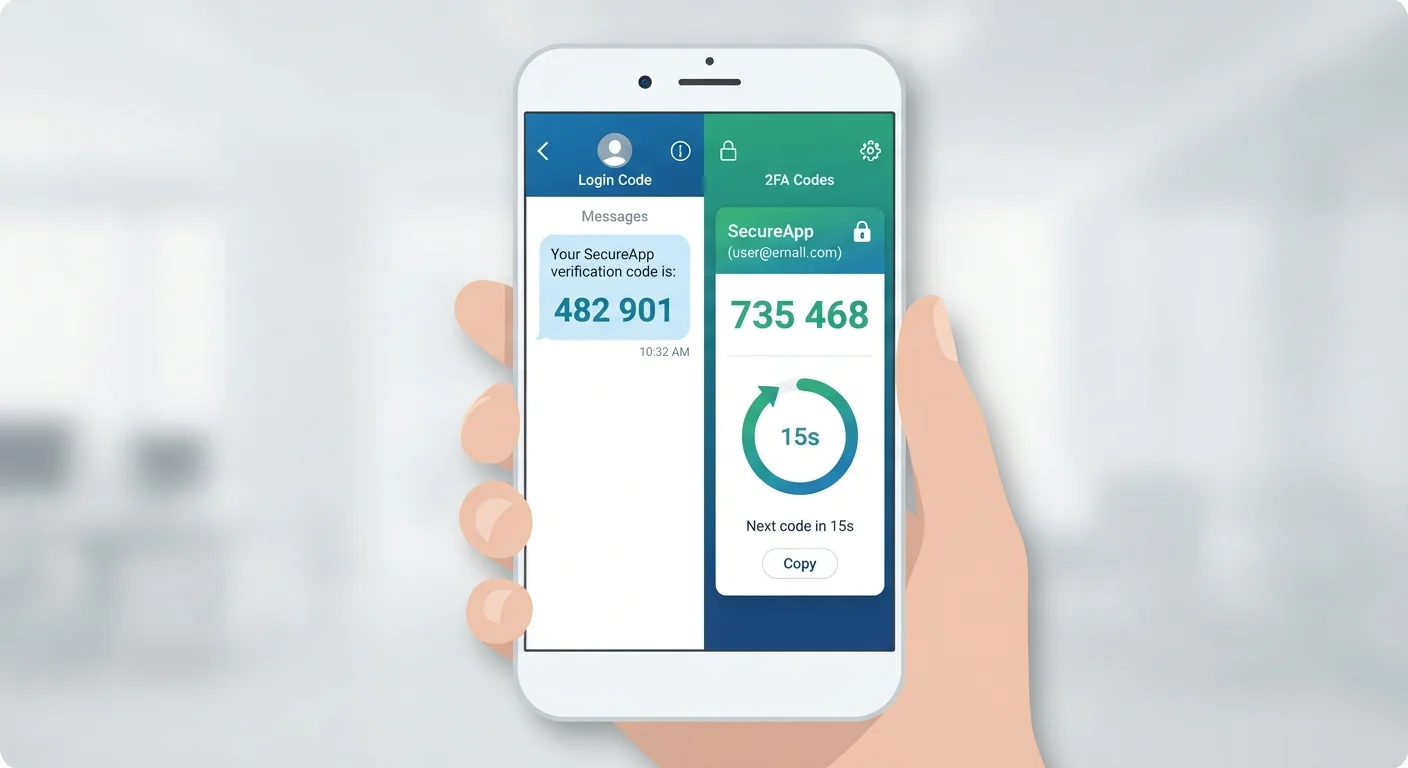
Key Takeaways
- Both SMS codes and authenticator apps provide two-factor authentication (2FA), adding a second layer beyond your password.
- SMS codes are vulnerable to SIM-swapping attacks and interception; authenticator apps are not.
- Authenticator apps generate codes offline, making them harder for attackers to access remotely.
- Either option is significantly safer than using a password alone.
- Authenticator apps require a small setup effort but offer meaningfully stronger protection.
Option A
SMS Codes (Text Message 2FA)
The familiar, widely available option.
Best for: Users who want a quick setup without installing extra apps and have reliable cell service.
Option B
Authenticator Apps
The more secure, offline-friendly alternative.
Best for: Users who want stronger protection for email, banking, and other high-value accounts.
If you want the easiest possible setup with no new apps
SMS Codes (Text Message 2FA)
SMS codes require no installation and work on any phone. They're far better than no 2FA at all, even if they carry some risks.
If you want the strongest everyday security for important accounts
Authenticator Apps
Authenticator apps are not tied to your phone number, work without cell service, and are resistant to the most common 2FA attacks.
If you travel frequently or have unreliable cell service
Authenticator Apps
Because authenticator apps generate codes offline, you aren't dependent on a carrier signal to log in securely.
If you're protecting a financial or email account from targeted attacks
Authenticator Apps
High-value accounts are prime targets for SIM-swapping fraud, a threat that authenticator apps eliminate entirely.
What Is Two-Factor Authentication?
Two-factor authentication — often shortened to 2FA — means proving your identity in two separate ways before gaining access to an account. Typically, the first factor is your password. The second factor is something only you should have at that moment, like a code sent to your phone or generated by an app.
Both SMS codes and authenticator apps serve as that second factor. The difference lies in how each delivers that code and how difficult it is for someone else to intercept or fake it. Understanding that difference helps you make a smarter choice for your accounts. For a broader look at tightening your account security, see our security audit guide.
How SMS Codes Work — and Where They Fall Short
When you enable SMS-based 2FA, the service sends a short numeric code to your mobile phone number each time you log in. You enter the code, and you're in. It's simple, and most people already know how to use it.
The convenience, however, comes with real security trade-offs. The most serious is a technique called SIM swapping. In a SIM swap attack, a criminal contacts your mobile carrier, impersonates you using personal information gathered elsewhere, and convinces the carrier to transfer your phone number to a SIM card the attacker controls. From that point, every text message — including your 2FA codes — goes to the attacker, not you.
SMS codes can also be exposed through phishing. A fake login page tricks you into entering both your password and your SMS code in real time, allowing an attacker to replay them instantly on the real site. Learn how to spot those fake pages in our guide to phishing, smishing, and vishing.
Your Phone Number Is More Vulnerable Than You Think
Mobile carriers have historically been susceptible to social engineering, where criminals talk support agents into making account changes. While carriers have added protections over time, SIM swap fraud remains an active threat. Placing a PIN or passcode on your carrier account adds an extra barrier, but it doesn't eliminate the risk the way an authenticator app does. For habits that reduce your overall digital exposure, see our article on keeping personal information safer in everyday apps.
How Authenticator Apps Work — and Why They're Stronger
Authenticator apps — such as those built into a phone's operating system or available as standalone downloads — generate a new six-digit code every 30 seconds using a mathematical formula tied to your specific account setup. Crucially, this happens entirely on your device, with no cell signal or internet connection required.
Because the codes are never transmitted over a phone network, SIM swapping has no effect on them. The code exists only on your physical device. An attacker who doesn't have your unlocked phone in hand cannot retrieve it remotely.
There is a trade-off: setup takes a few extra minutes. When enabling 2FA on a supported account, you scan a QR code with the app to link it. If you lose your phone, you'll also need backup codes — which most services provide during setup — to regain access. That extra step is worth it for accounts where security matters most.
80%+
Of hacking-related breaches involving stolen credentials
According to Verizon's Data Breach Investigations Report, the vast majority of credential-based breaches exploit weak or reused passwords — underscoring why any second factor matters.
30 sec
Code refresh interval for authenticator apps
Time-based one-time passwords (TOTP) used by authenticator apps regenerate every 30 seconds, making captured codes nearly useless within moments.
Side-by-Side: SMS Codes vs. Authenticator Apps
The table below compares the two methods across the factors that matter most to everyday users.
| Criterion | SMS Codes | Authenticator Apps |
|---|---|---|
| Setup difficulty | Very easy — no app needed | Moderate — requires app installation |
| Works without cell signal | No | Yes |
| Vulnerable to SIM swapping | Yes | No |
| Vulnerable to real-time phishing | Yes | Yes (though harder to exploit) |
| Code transmitted over network | Yes — via carrier | No — generated on-device |
| Recovery if phone is lost | Easy — tied to your number | Requires saved backup codes |
| Overall security level | Good | Stronger |
For most people, the practical conclusion is straightforward: use an authenticator app for your most important accounts — email, banking, and any account tied to financial or medical information. SMS 2FA is still a meaningful upgrade over a password alone and remains a solid choice when an authenticator app isn't supported or practical. Pairing either method with strong, unique passwords is important — our guide to password managers explains how to manage those without memorizing everything.