

Key Takeaways
- Most smartphones grant apps far more access than they actually need to function.
- Reviewing location, camera, and microphone permissions is the highest-impact step you can take.
- You can complete a meaningful privacy audit without any technical background.
- Both Android and iPhone have built-in privacy dashboards that make this process straightforward.
- Running this audit periodically — not just once — keeps your data exposure in check.
Summary
18 items · 30–60 minutes
Why a Privacy Audit Is Worth Your Time
Every app you install on your phone asks for access to something — your location, your camera, your contacts, or your microphone. Most people tap "Allow" without a second thought, and that's completely understandable. But over time, those permissions stack up, and your phone quietly becomes a window into your daily life for dozens of apps.
The good news: you don't need to be a tech expert to take back control. Both iPhones and Android phones have straightforward built-in tools that let you see exactly what each app can access — and change it with a tap. To understand more about what data apps are collecting in the first place, see what apps actually know about you.
This checklist walks you through the most important settings to review, grouped by category. Work through them at your own pace — you don't have to do everything in one sitting.
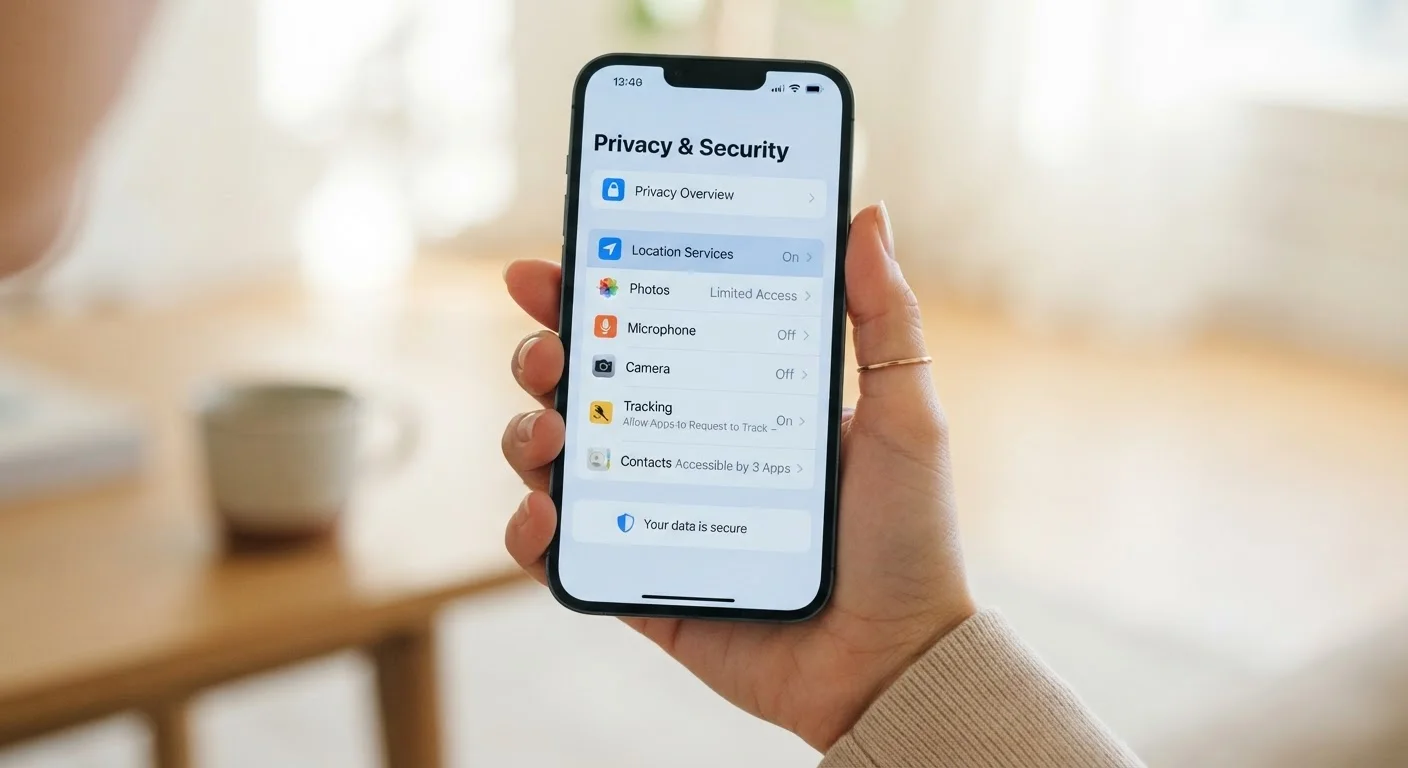
iPhone Settings App (Privacy & Security)
The built-in hub for reviewing and managing all app permissions, location services, and tracking on an iPhone.
Android Settings App (Privacy Dashboard)
Android's central screen for auditing app permissions and seeing a timeline of recent access activity.
Notepad or Notes App
Useful for jotting down which apps you've reviewed and any changes you've made during the audit.
Your Step-by-Step Privacy Audit Checklist
Use the checklist below to work through each category methodically. Items marked must are the most consequential — start there if you're short on time. For a deeper look at why apps request specific permissions, this guide explains which permission requests to question.
Location Access
Camera and Microphone
Contacts, Calendars, and Photos
Ad Tracking and Data Sharing
App Permissions General Cleanup
Revoking Permissions Can Affect App Features
Removing a permission may cause part of an app to stop working — for example, a food delivery app won't be able to detect your address automatically without location access. This is often a reasonable trade-off, but be aware that some features will require you to enter information manually. Test the app after making changes to see whether the core functions you rely on still work.
Once you've finished this audit, pair it with a broader account security review. Locking down your online accounts covers passwords, two-factor authentication, and connected apps — a natural next step.
Making Privacy Habits Stick
A one-time audit is a great start, but privacy settings drift over time. Every app update, new install, or phone upgrade can reset or add new permissions. Build a simple habit: run through this checklist every three to six months, or whenever you install a significant batch of new apps.
For day-to-day habits that reduce the data you share through normal app use, keeping personal information safer while using everyday apps offers practical routines that complement this audit. And if you want to extend these protections to your other devices, keeping your personal devices secure without being a tech expert covers the broader picture without requiring technical know-how.
New Installs Reset Your Audit Progress
Every time you install a new app, it may request fresh permissions that weren't there before. Don't assume that completing this audit once is enough. Make a point of reviewing new app permissions at the time of installation rather than accepting all requests by default — that moment of attention is where most privacy exposure begins.
If you're setting up a device for a child, the privacy settings here are just one piece of the puzzle — giving a child their first device covers content filters, screen time controls, and more.