

Key Takeaways
- Wi-Fi is generally faster and more stable than mobile data for home use.
- Mobile data travels over cellular towers, making it available almost anywhere you roam.
- Public Wi-Fi networks carry real security risks that mobile data connections typically avoid.
- Mobile data usage counts against your plan's data cap; home Wi-Fi usually does not.
- For sensitive tasks like banking, mobile data on a trusted plan is often the safer choice.
Option A
Wi-Fi
The reliable home-base connection.
Best for: Streaming, video calls, and heavy downloads where speed and stability matter most.
Option B
Mobile Data
The go-anywhere connection in your pocket.
Best for: Staying connected on the move when no trusted Wi-Fi network is available.
If you mostly use the internet at home
Wi-Fi
Home Wi-Fi delivers faster speeds and unlimited data for a fixed monthly cost, making it ideal for streaming, video calls, and multiple devices.
If you travel frequently or work on the go
Mobile Data
Mobile data keeps you connected wherever cellular coverage exists, without relying on unfamiliar or potentially risky public networks.
If you're handling sensitive tasks like banking in a public place
Mobile Data
Your cellular connection is encrypted between your device and the carrier's network, reducing exposure to eavesdropping compared to open public Wi-Fi.
If you need to connect several devices simultaneously
Wi-Fi
A home Wi-Fi router can support many devices at once without eating into a data cap or degrading speed the way mobile hotspots often do.
How Each Connection Actually Works
Wi-Fi and mobile data both get you online, but they take completely different routes to do it. Understanding that difference helps you make smarter choices every day.
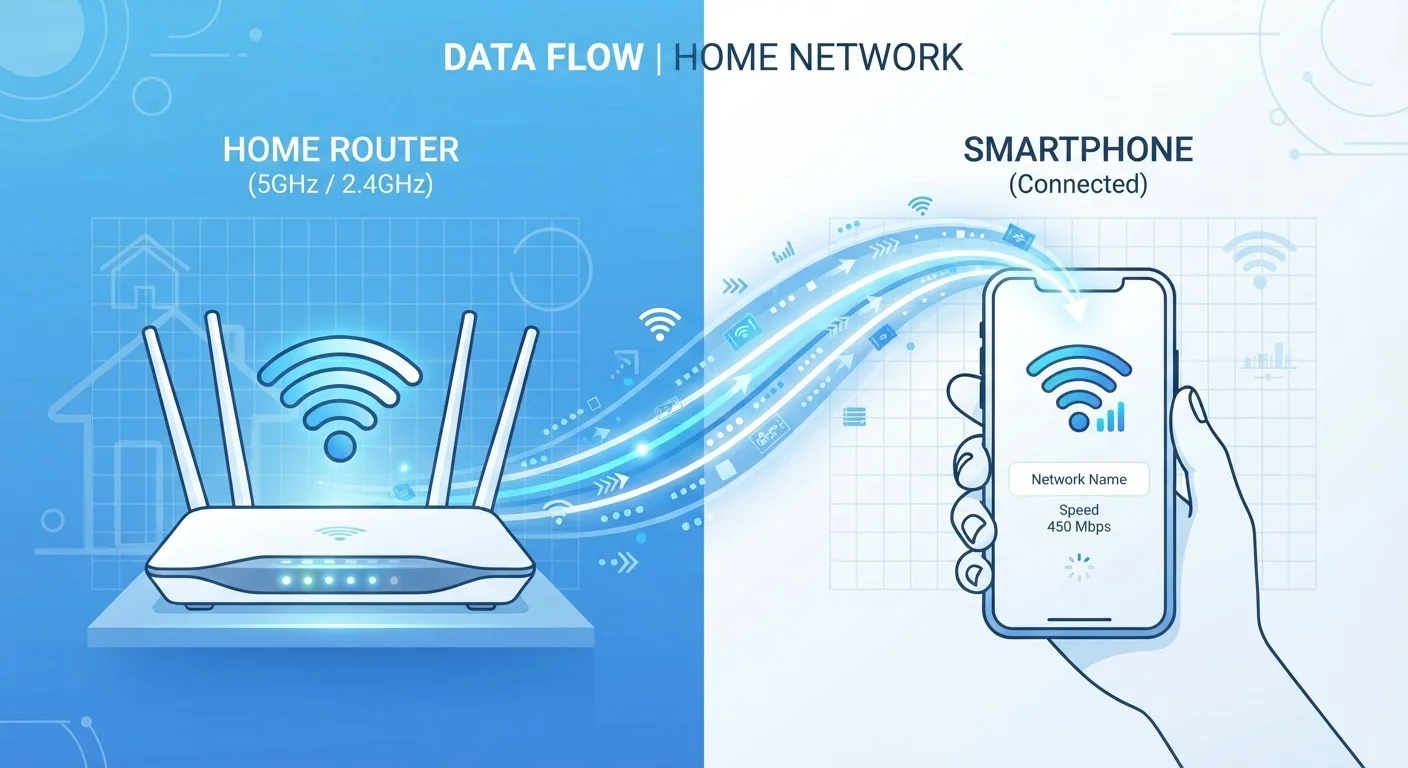
Wi-Fi uses radio waves to connect your device to a nearby router — a small box that's wired into a broadband internet service. That router becomes a local hub, and your phone, laptop, or tablet connects wirelessly within its range, typically up to a few hundred feet indoors. The router does the heavy lifting of sending and receiving data to and from the internet.
Mobile data works through your wireless carrier's cellular network. Your phone communicates with towers installed across cities, suburbs, and highways. Generations of this technology — 3G, 4G LTE, and now 5G — describe how fast and efficiently that communication happens. The further you are from a tower, or the more people sharing it, the weaker your signal.
For a deeper look at how your home network fits together, see our complete guide to home Wi-Fi.
| Criterion | Wi-Fi | Mobile Data |
|---|---|---|
| How it connects | Router via broadband cable | Cellular towers |
| Typical speed | Often faster at home | Variable; 5G can be fast |
| Coverage area | Limited to router range | Wherever towers exist |
| Data limits | Usually unlimited at home | Subject to plan data cap |
| Security (public use) | Risky on open networks | Encrypted by carrier |
| Best environment | Home, office | Outdoors, travel, commute |
| Multi-device support | Strong via router | Limited via hotspot |
Speed, Cost, and Data Limits
Speed is where Wi-Fi often has a clear edge — especially at home. A typical broadband connection can deliver download speeds many times faster than an average mobile data connection, though 5G is narrowing that gap in urban areas. For bandwidth-heavy tasks like 4K video streaming or large file downloads, Wi-Fi is usually the more comfortable choice.
Cost works differently too. Most home internet plans are unlimited — you pay a flat monthly fee and use as much data as you like. Mobile data plans, by contrast, almost always come with a data cap. Streaming a movie or video-calling for an hour can consume gigabytes quickly, which matters if you're watching your monthly allowance.
15 GB
Average monthly mobile data used per US smartphone
According to Ericsson's Mobility Report, average monthly smartphone data consumption in North America has grown steadily each year.
~80%
Share of home internet traffic carried over Wi-Fi
Industry analysts consistently report that the majority of household internet activity happens over Wi-Fi rather than cellular networks.
If you use your phone as a hotspot to share mobile data with a laptop or tablet, those habits accelerate your data consumption even faster. Understanding how apps use data — whether they run natively or through a browser — is also worth knowing. Our article on native apps vs web apps explains how that choice affects data use.
Security: Which Is Safer?
This is where many people are surprised. Public Wi-Fi — the kind you find at coffee shops, airports, and hotels — is not the same as your secured home network. Open public networks can expose your browsing activity to others on the same network if proper precautions aren't taken.
Mobile data connections, by contrast, are encrypted between your device and your carrier's infrastructure. That makes them inherently more private for sensitive tasks like online banking, even if the speeds are slower.
Your home Wi-Fi, when protected with a strong password and modern encryption (look for WPA2 or WPA3 in your router settings), is also a reasonably secure environment. The real risks lie with public, open Wi-Fi networks. For a thorough look at those risks, our privacy hub covers public Wi-Fi risks that most people overlook.
If you travel internationally, the same concerns apply — and the stakes can be higher. Our travel safety article on public Wi-Fi security while travelling walks through what to watch for.
A Note on VPNs and Public Networks
A Virtual Private Network (VPN) can add a layer of encryption when you must use public Wi-Fi, reducing — though not eliminating — your exposure. VPNs vary widely in quality and privacy practices. If you rely on public networks regularly, researching VPN options and understanding what they do and don't protect is worthwhile. Visit our Privacy & Safety hub for more guidance.
Reliability and Coverage
Wi-Fi is highly reliable within its range but disappears the moment you step outside it. Dead zones inside large homes, interference from thick walls, and router placement all affect quality. Mobile data, meanwhile, follows you everywhere that has cellular coverage — which is most populated areas in the US — but can degrade in basements, rural regions, or crowded venues like stadiums.
Neither connection is perfect in every scenario, which is why most smartphones are designed to switch between them automatically. Your phone prefers a known Wi-Fi network when one is available and falls back to mobile data when it isn't. You can always override this manually in your device's settings if you prefer one over the other in a given situation.
For those managing multiple devices and wanting to get the most from their home network, our breakdown of when each connection wins offers practical guidance on switching intentionally rather than by default.