

Key Takeaways
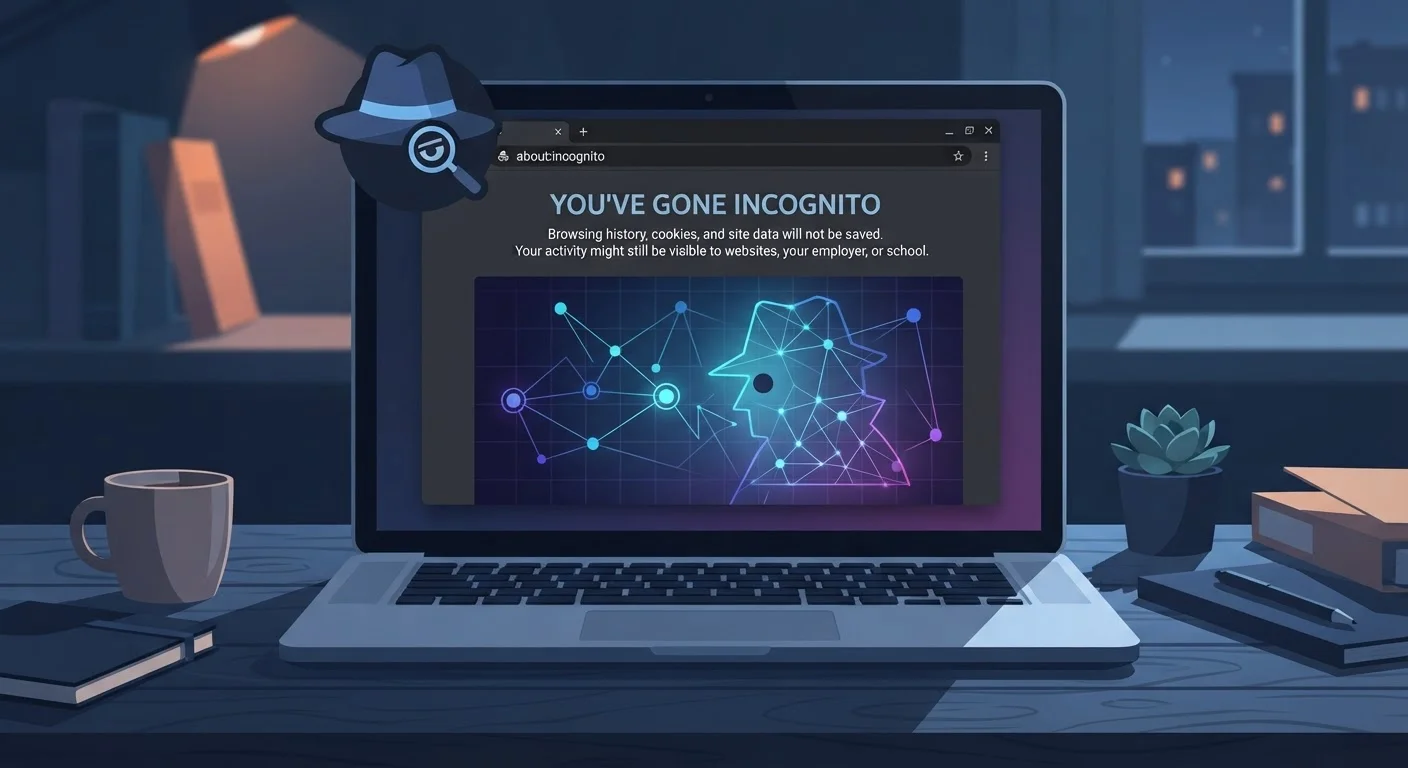
- Private mode only prevents your browser from saving local history, cookies, and form data.
- Your internet provider, employer, and the websites you visit can still see your activity.
- Incognito does not hide your IP address or protect you from trackers on websites.
- A VPN or privacy-focused browser offers stronger — though still imperfect — anonymity.
- Understanding what private mode actually does helps you make smarter browsing choices.
What Private Mode Actually Does
Every major browser — Chrome, Firefox, Safari, Edge — offers some version of private or incognito browsing. When you open one of these windows, your browser agrees not to remember: the pages you visit, the searches you type, login credentials, and cookies once the session ends. That's genuinely useful. It means a family member using the same computer won't see your browsing history, and sites you visit won't carry over session cookies to your next regular session.
What it does not do is hide you from the internet itself. The moment you make a request — loading a webpage, running a search — that request travels across your network and the open internet. It carries your IP address and other identifying signals. Private mode has no influence over any of that.
Myth
Using incognito mode makes me invisible online — no one can track what I'm doing.
Fact
Incognito only stops your browser from storing activity locally. Your internet service provider, network administrator, and visited websites can still observe your traffic.
Private browsing clears cookies, history, and form data from your device when you close the window. It does nothing to cloak your connection from the outside world. Every website you visit still receives your IP address, and your ISP still logs the domains you contact. For a deeper look at how data travels from your device to a website, see what actually happens when you type a web address.
Myth
Websites can't place tracking cookies on me when I'm in private mode.
Fact
Websites can still set cookies during a private session — those cookies simply won't persist after you close the window.
During an active incognito session, third-party trackers and advertising networks can still identify and profile your behavior using cookies, tracking pixels, and browser fingerprinting techniques. The difference is that these cookies are deleted when the session ends — they aren't saved for next time. This offers limited protection against long-term tracking but no protection against real-time profiling. Our article on what cookies actually do explains these tracking methods in plain language.
Myth
My employer or school can't see my browsing if I use a private window on their network.
Fact
Network administrators can monitor all traffic passing through their infrastructure, regardless of which browser mode you use.
Private mode operates entirely on your device. The moment your data leaves your device and travels over a workplace or school Wi-Fi network, the organization managing that network can — and often does — log that traffic. Many corporate networks use tools that inspect outbound connections. If you're using a work-issued device, monitoring software may also log activity at the operating system level, completely bypassing your browser's private mode.
Myth
If I log into a website in incognito mode, my activity on that site stays private.
Fact
Once you log in, the website ties everything you do in that session to your account — and retains that data on its own servers.
Logging into Google, Facebook, your bank, or any other service in a private window is no different from logging in normally, as far as the website is concerned. The platform records your searches, clicks, and activity against your account. The only privacy benefit is that your browser won't autofill those credentials next time, and the session cookie won't linger on your device after you close the window. Your digital footprint still grows on the platform's end.
Myth
Using a VPN alongside incognito mode gives me complete privacy.
Fact
Combining a VPN with private mode improves privacy meaningfully, but gaps remain — including the VPN provider itself seeing your traffic.
A VPN encrypts traffic between your device and a VPN server, hiding your activity from your ISP and masking your IP address from websites. However, the VPN provider can see your traffic instead. If the provider keeps logs or is subject to legal requests, that data isn't truly private. Private mode still only handles local cleanup. Together they're better than either alone — but neither guarantees anonymity. Explore a balanced view in our piece on whether VPNs are a genuine privacy tool.
What Private Mode Can't Protect You From
Private Mode Is Not Anonymity
No browser's private or incognito mode makes you anonymous on the internet. Your network traffic is still visible to your internet service provider, router administrator, and workplace IT systems. Think of private mode as tidying up your own device — not hiding yourself from the wider internet.
The gap between perception and reality is significant. Many people use incognito precisely when they most need real privacy — on shared networks, on work computers, or when researching sensitive topics. Those are exactly the situations where private mode's limitations matter most.
Your ISP can see the domains you visit (though not necessarily the exact pages, depending on whether sites use HTTPS). Your router logs connections. Websites collect your IP address and can still fingerprint your browser based on its settings and installed fonts — a technique private mode doesn't affect. For a fuller picture of how these invisible data trails accumulate, our piece on what your online profile reveals is worth reading alongside this one.
Don't Rely on Incognito for Sensitive Tasks
If you're handling genuinely sensitive activities — such as whistleblowing, accessing confidential accounts on shared networks, or researching topics you need to keep private from your ISP — private mode alone is not sufficient. Consider researching additional tools such as a reputable VPN or the Tor browser, and understand their limitations too.
Understanding the difference between incognito and genuine privacy controls is the first step toward smarter browsing. Our guide on browser privacy settings vs. incognito mode explains which adjustments actually move the needle — and habits that reduce your data trail across apps offers practical steps you can take today.
40%+
Chrome users who misunderstand incognito
A study published in the Proceedings of the ACM on Human-Computer Interaction found that a significant portion of users believed incognito mode prevented their ISP from seeing their activity — a misconception the researchers described as widespread.
3 types
Data sources private mode cannot block
Your IP address (visible to every site you visit), your ISP's connection logs, and data tied to accounts you log into are all unaffected by private browsing mode.